Step 01
Bring a reference.
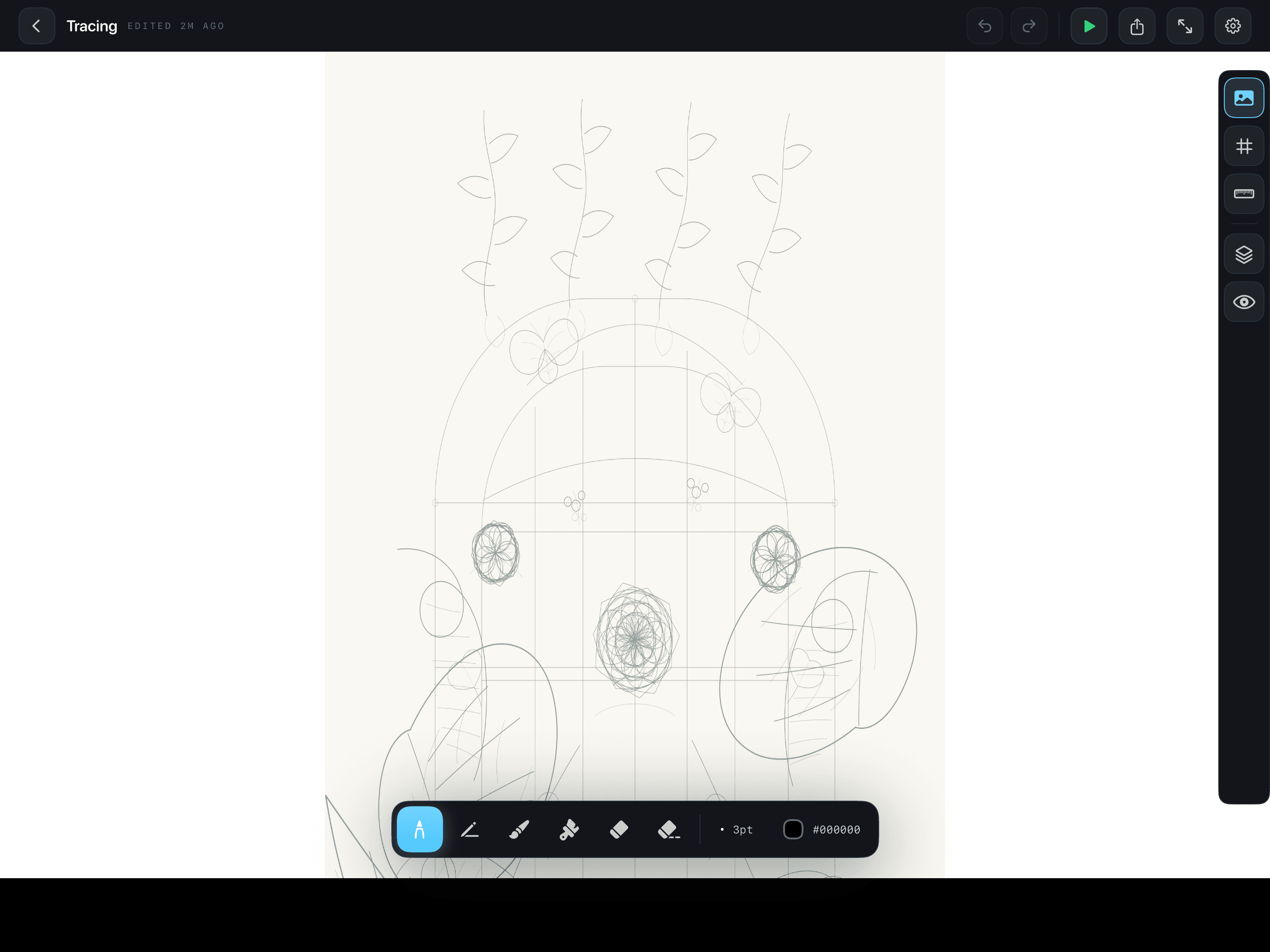
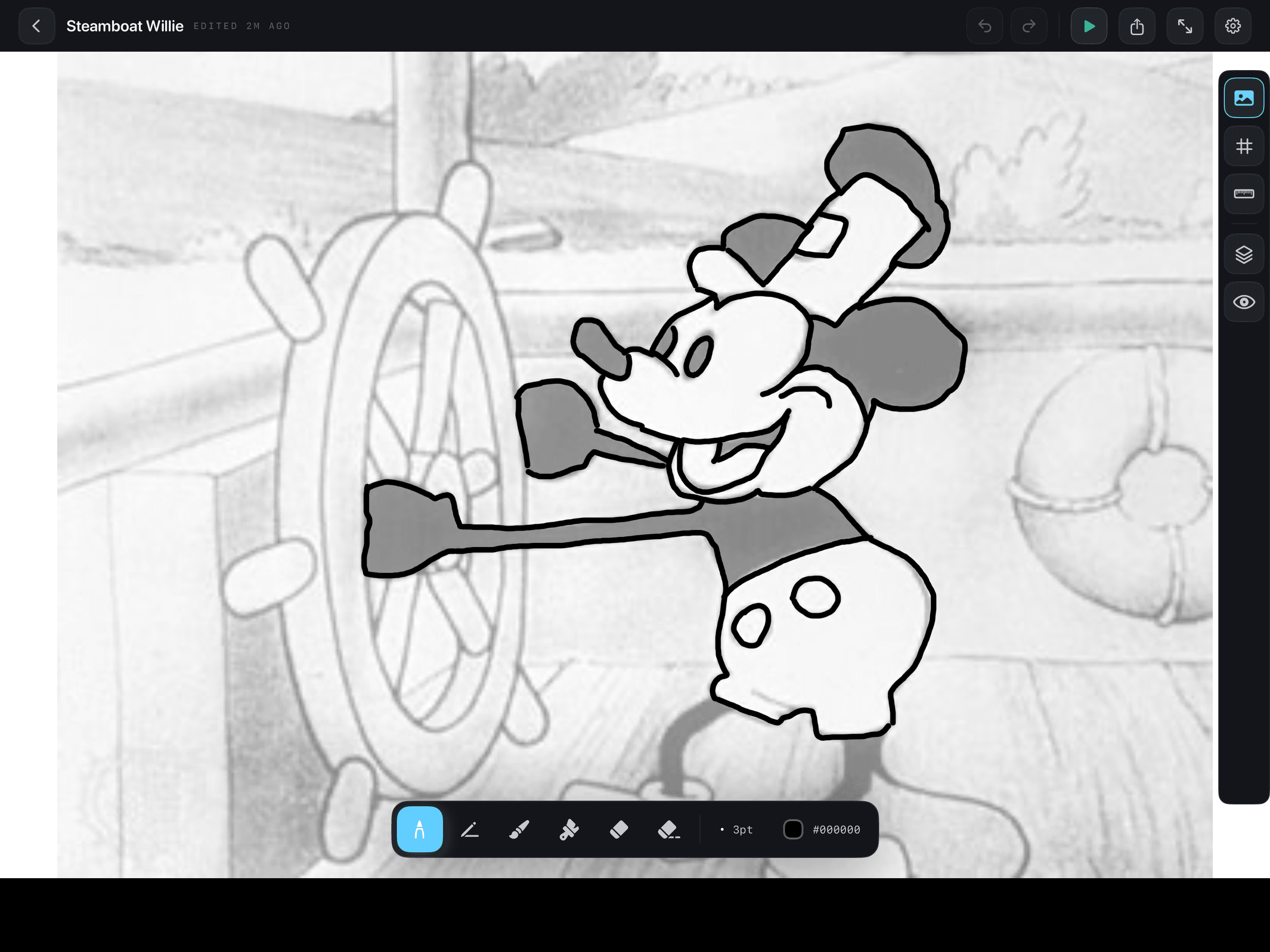
Drag in any photo, sketch, or web image. Phantrace makes it the underlay so you can trace it like tracing paper — but better.
The drawing companion for iPad. Drop in any photo, trace it with real artist tools, and watch your hand learn the shape. One-time purchase. No subscriptions, no watermarks, no friction.
— 01 The process
No tutorials. No setup. Open the app, drop in a reference, and start drawing the moment your pencil hits glass.
Drag in any photo, sketch, or web image. Phantrace makes it the underlay so you can trace it like tracing paper — but better.
Eight pro tools — pen, pencil, marker, brush, watercolor and more. Pressure, tilt, smoothing. Layers stay non-destructive, always.
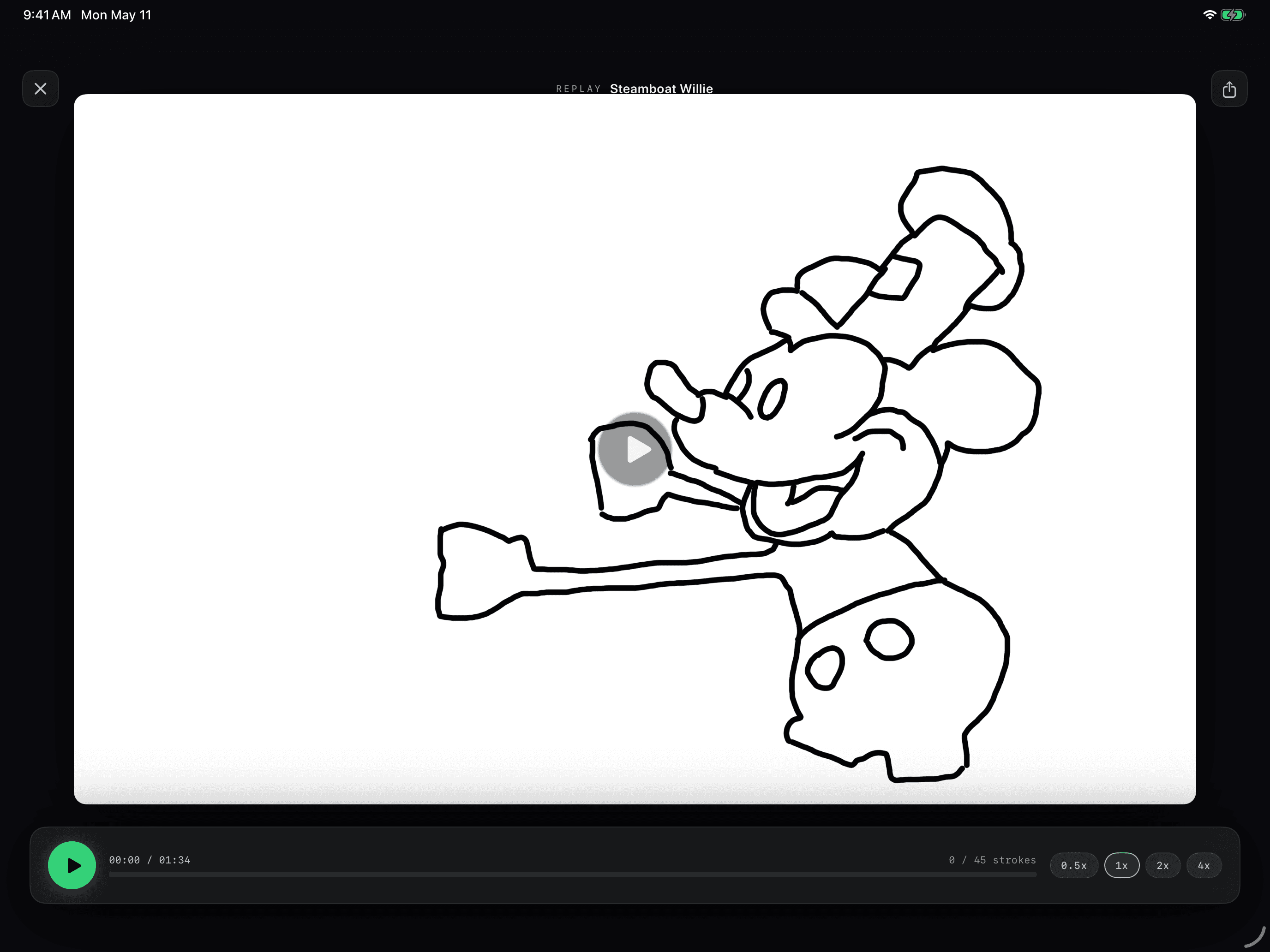
Every stroke is recorded. Watch your drawing redraw itself in real time, share the replay, learn from your own process.
— 02 What's inside
Six core surfaces, designed to disappear. The canvas is everything. Tools come when you reach for them.
FIG. 01 · The Canvas
“I watched my family hold a sheet of paper over an iPad screen, trying to trace a picture they found online. I knew there had to be a better way.”— The origin story · Read more →
— 03 Pricing
No subscriptions. No tiers. Pay once, get everything — every tool, every future update. Buy through the App Store, the way it should be.
Yours forever · App Store
— 04 Common questions
No, but it's much better with one. Phantrace works with any iPad and your finger. The Apple Pencil unlocks pressure, tilt, and palm rejection.
Tracing is how every artist starts. It builds muscle memory for shapes you'll later draw freehand. Phantrace also has a free-draw mode the second you're ready.
Nope. Phantrace is a one-time $9.99 purchase through the App Store. You get every tool, every feature, and every future update — no extra unlocks, no recurring fees, ever.
Yes. Drop in any image from your photo library, Files, or a web link. Phantrace puts it on its own layer so you can adjust opacity and remove it cleanly when done.
Phantrace is iPad-exclusive — the app is designed around the screen real estate and the Apple Pencil. iPhone support isn't on the roadmap.
Yes. Drawings stay on your device — Phantrace doesn't upload your work to any server, and we never see what you make. Use the Files app or AirDrop to move drawings between devices.
The fastest way to see what your hand can already do — you just haven't tried tracing the right thing yet.
Download on the App Store